NEW ifp3 Editor
Screenshots
Control the look while viewing your site.
Website
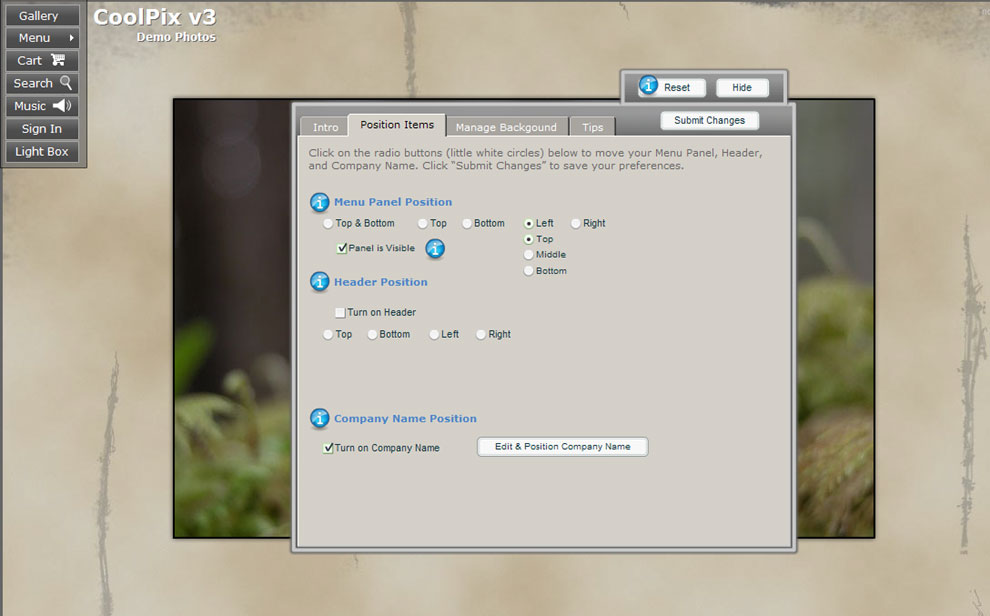
Editor (Positions Tab)
Control the position of your Menu Panel, Header Graphic
and Company Name from here.
Website Editor (Positions
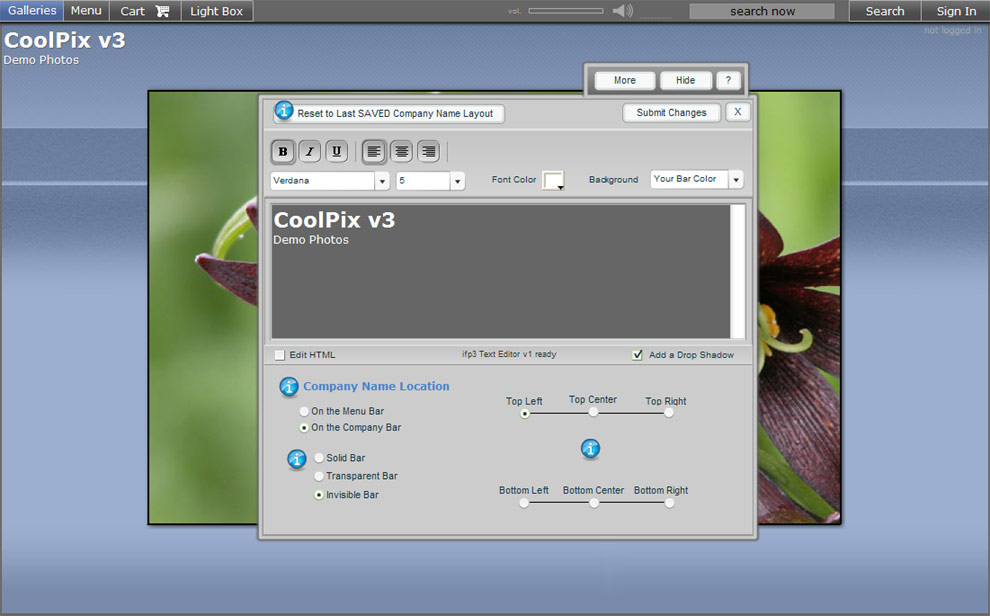
Tab - Company Name Editor)
Create
your company name with our text editor for more custom options.
Your company name can now span multiple
lines, be positioned anywhere on your website, and also be blended
with a header image.
Website
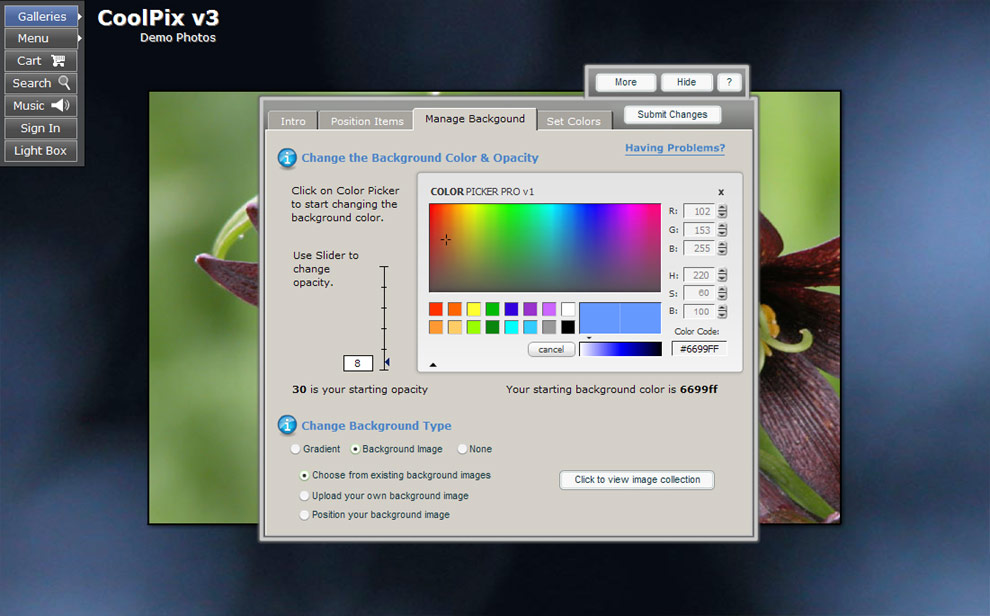
Editor (Manage Background Tab)
You now have the option for a “whole site” background image. Instead of just manipulating colors or adding a gradient,
the background of your site can now look any way you like. Upload an image of your own, or choose from our selection
of images and background patterns. You can add and adjust the opacity of a color overlay as well..
Website
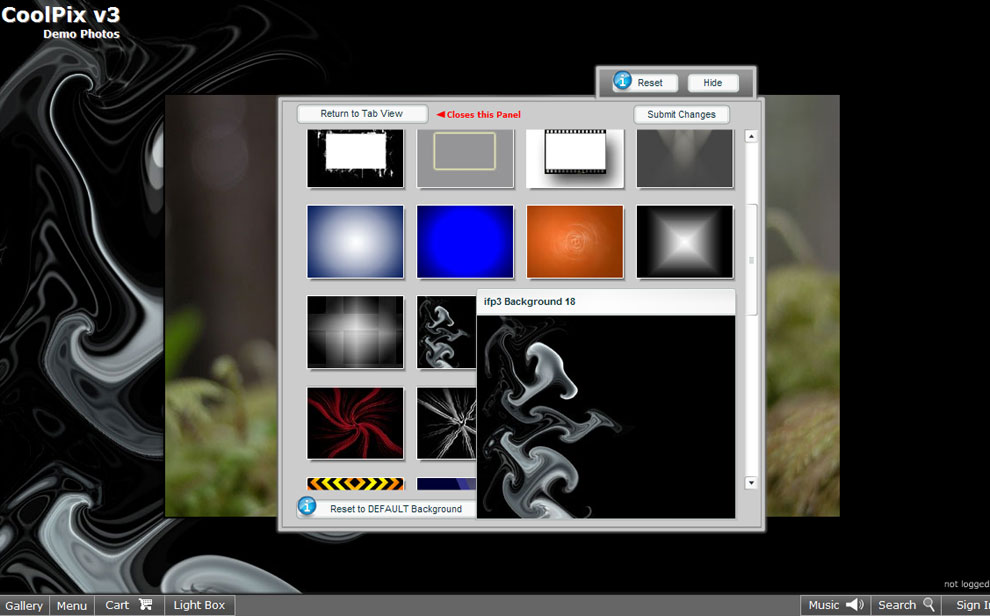
Editor (Manage Background Tab - Choose Background Image)
You can choose from a large asortment of background
images and textures as well as add your own.
Website
Editor (Hidden View)
While editing you can hide the editor to get a better view of how
your changes are coming along.
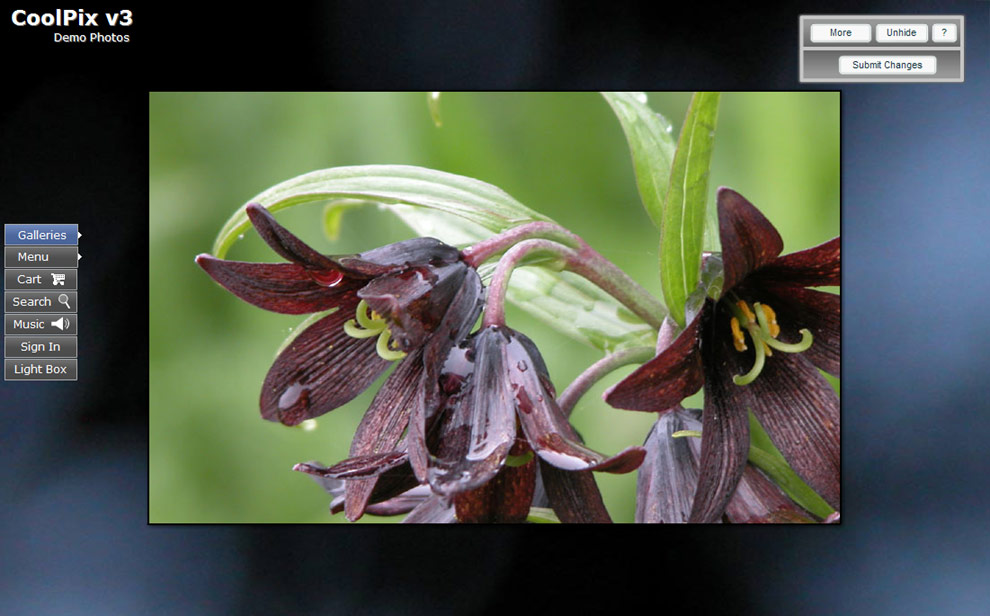
Website Editor (Hidden View)
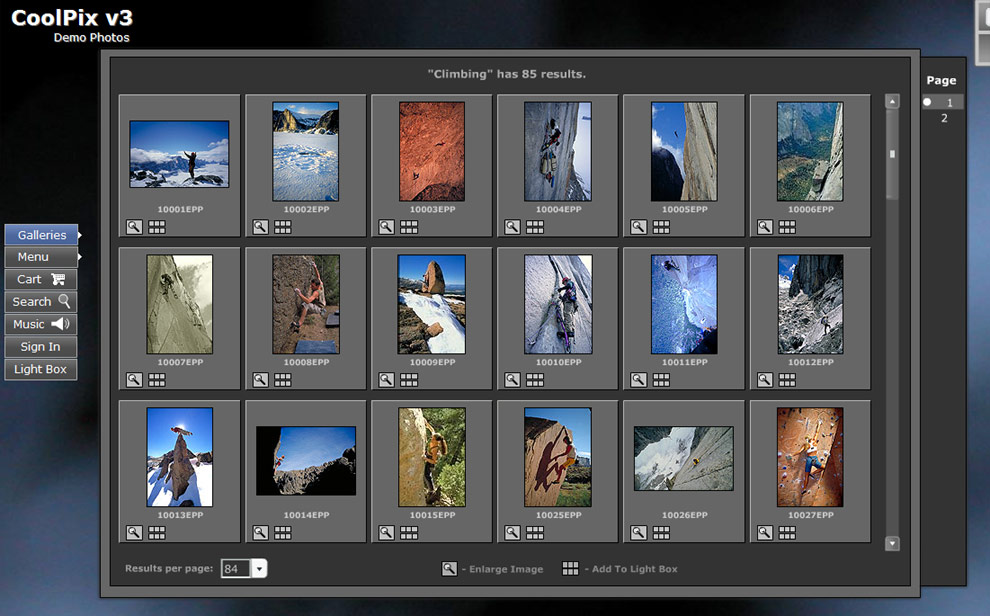
Your site is fully-functional during the editing stage, enabling
you to browse your site to see how the changes will look.
Visit ifp3
|